Springbok Casino Registration in South Africa
An account takes about a minute to open and gives you the cashier, the welcome package and every game in the Springbok Casino lobby. This guide covers what the form asks for, how to confirm the account, which documents you need before the first withdrawal, and what to do when the form will not go through.
On this page
- Instructions for Creating a New Account
- How to Log in to an Account?
- Springbok Casino Verification Process
- Sign Up via the App
- Springbok Casino Sign Up Welcome Bonus
- Requirements for Creating a Springbok Casino Account
- Account Management After Registration
- What Problems Can Occur During Registration?
Instructions for Creating a New Account
-
Step 1
Open the Registration Field
Tap Sign up at the top of any page. The form opens straight away and you do not need to deposit anything to create the account.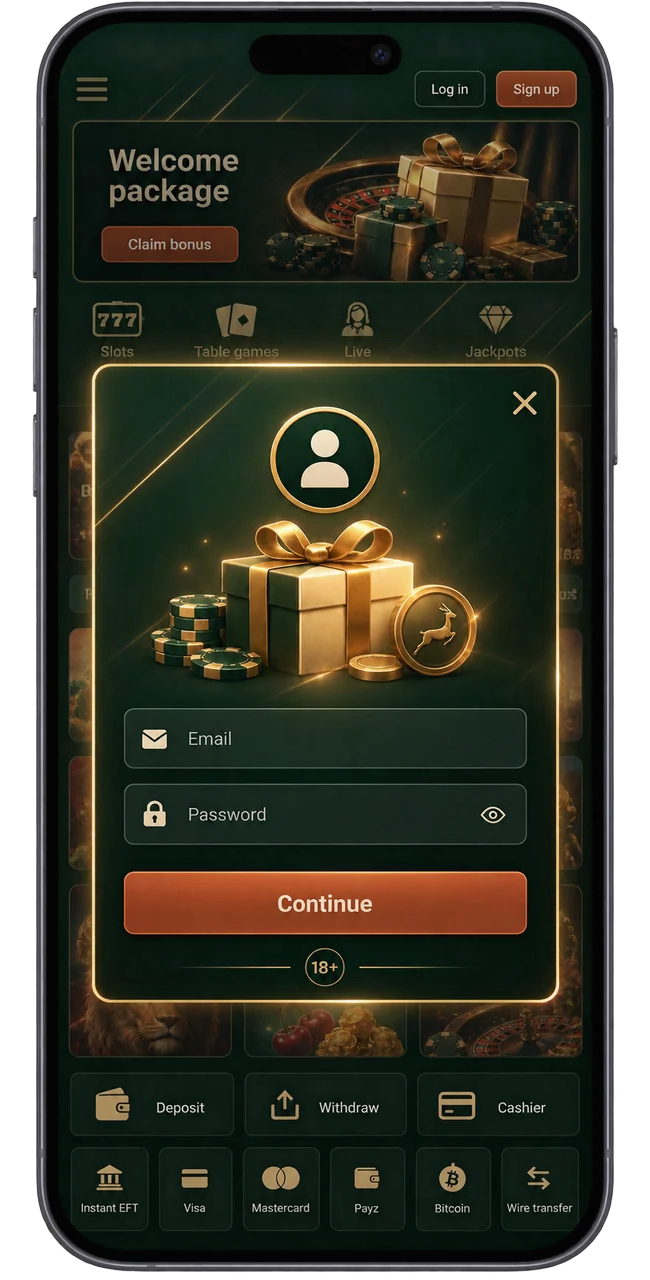
-
Step 2
Enter Your Details
Enter your email address and choose a password of at least eight characters with at least one letter and one digit. Then add your first name, surname, date of birth and mobile number, and choose your country of residence. The account currency is South African rand. If you have a coupon code you can add it here, or later in the cashier.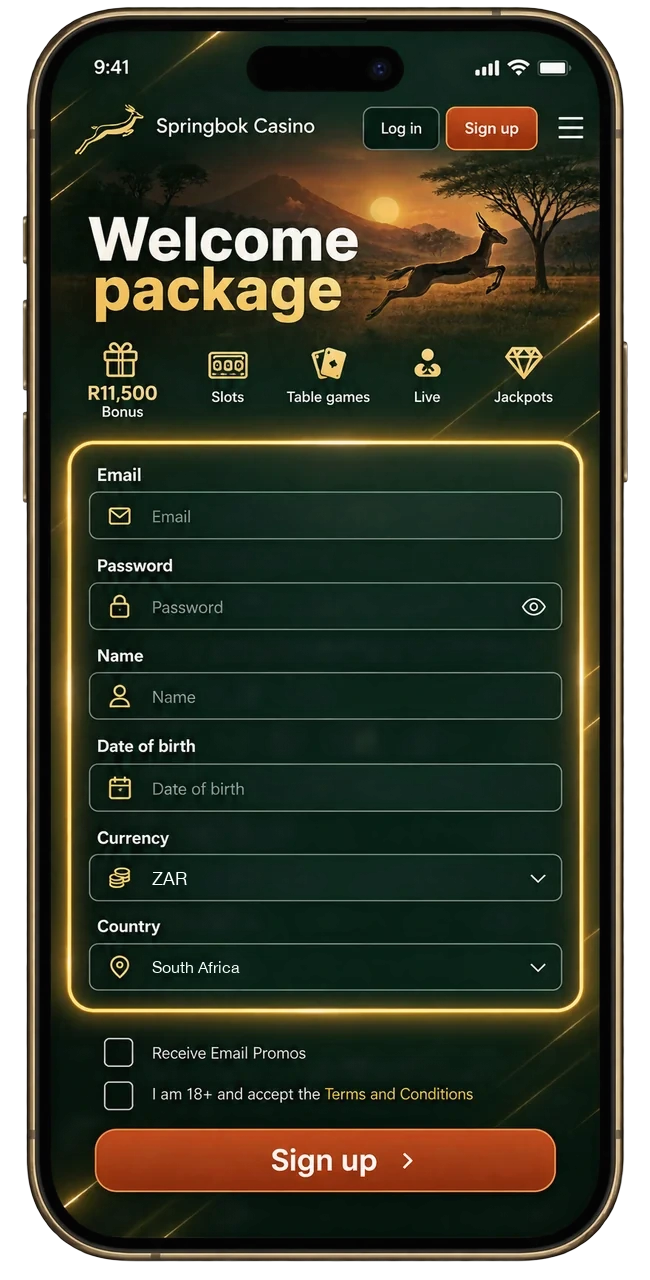
-
Step 3
Agree to Terms and Complete Sign Up
Tick the boxes confirming you are 18 or older and that the details are your own, and accept the terms and conditions and privacy policy. The box for bonus offers by email is optional and you can switch it off at any time. Then tap Create account.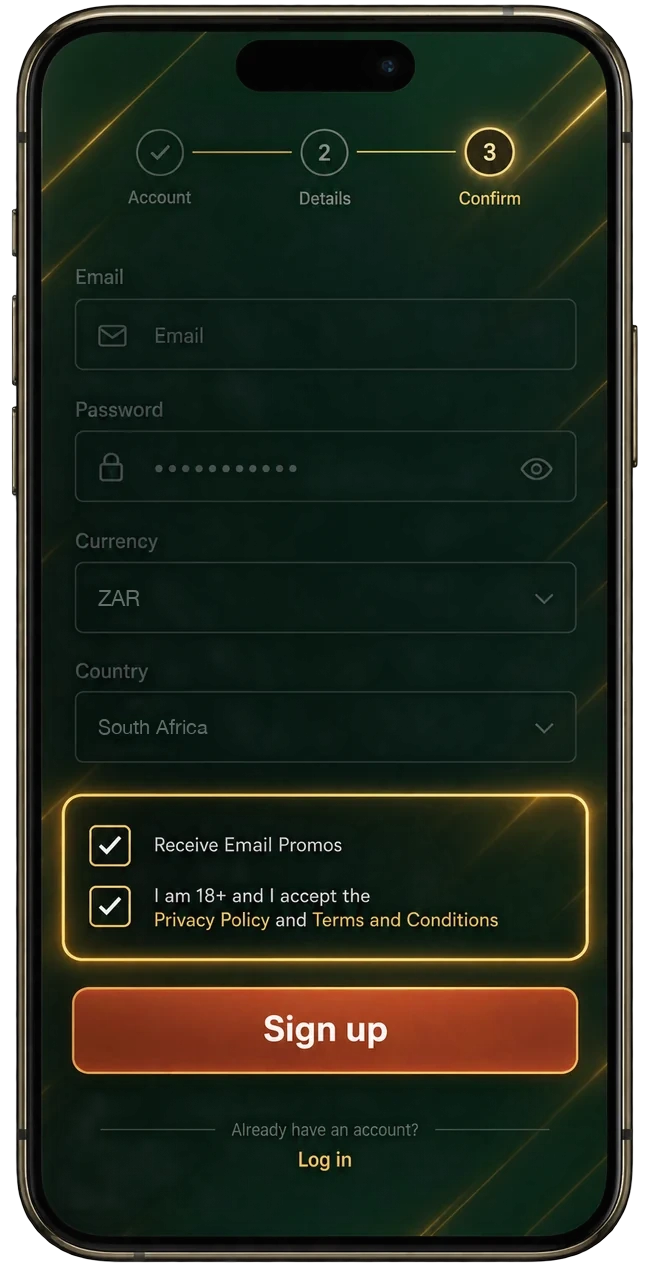
-
Step 4
Verify Your Email Address
We send a confirmation link to the address you entered. Open it and the account is live. If nothing arrives within a few minutes, check your spam or promotions folder.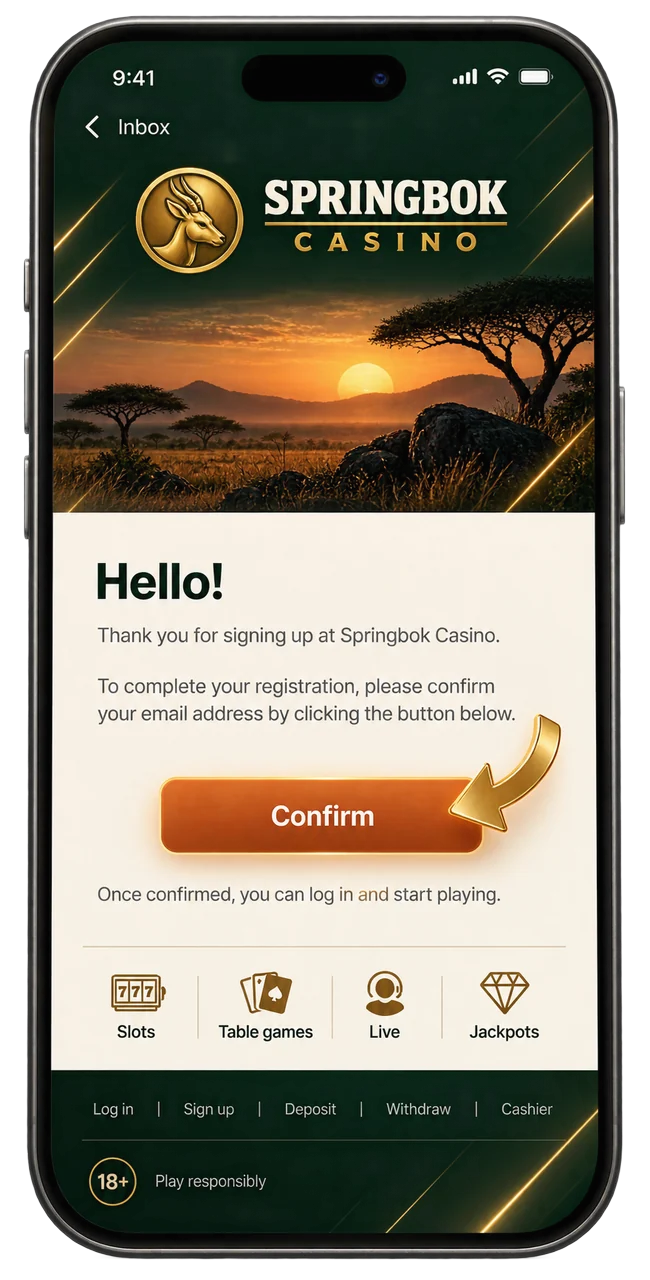
How to Log in to an Account?
- Go to the Springbok Casino site and check the address in the bar.
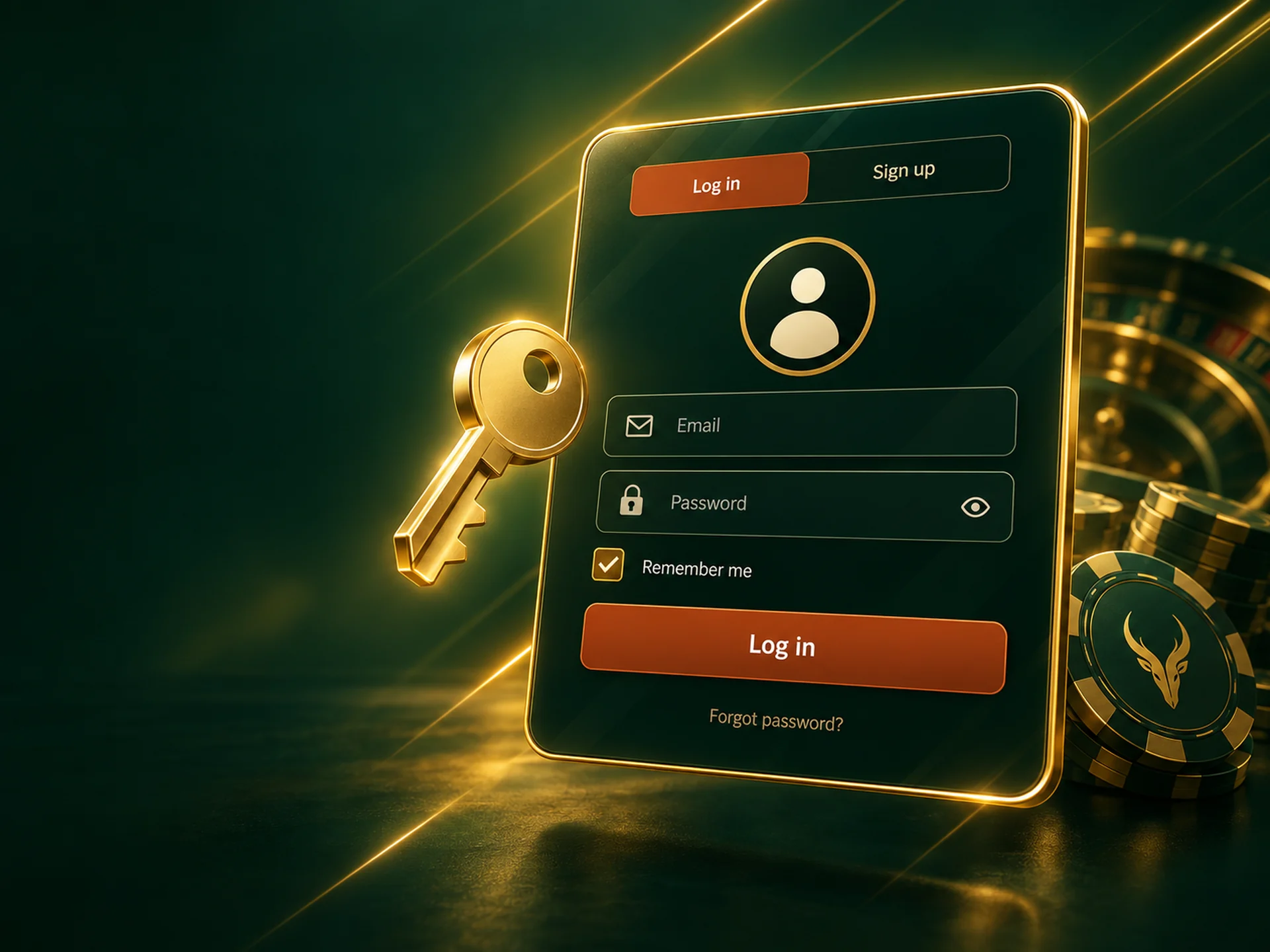
- Tap Log in in the top-right corner.
- Enter the email and password you registered with.
- Tick Keep me logged in on your own device if you want to skip this next time, then tap Log in.
Forgotten your password? Use the link under the password field and we will email you a reset link. Never enter your password on a page you reached from a message you did not ask for. Copies of casino sites exist to collect logins.
Springbok Casino Verification Process
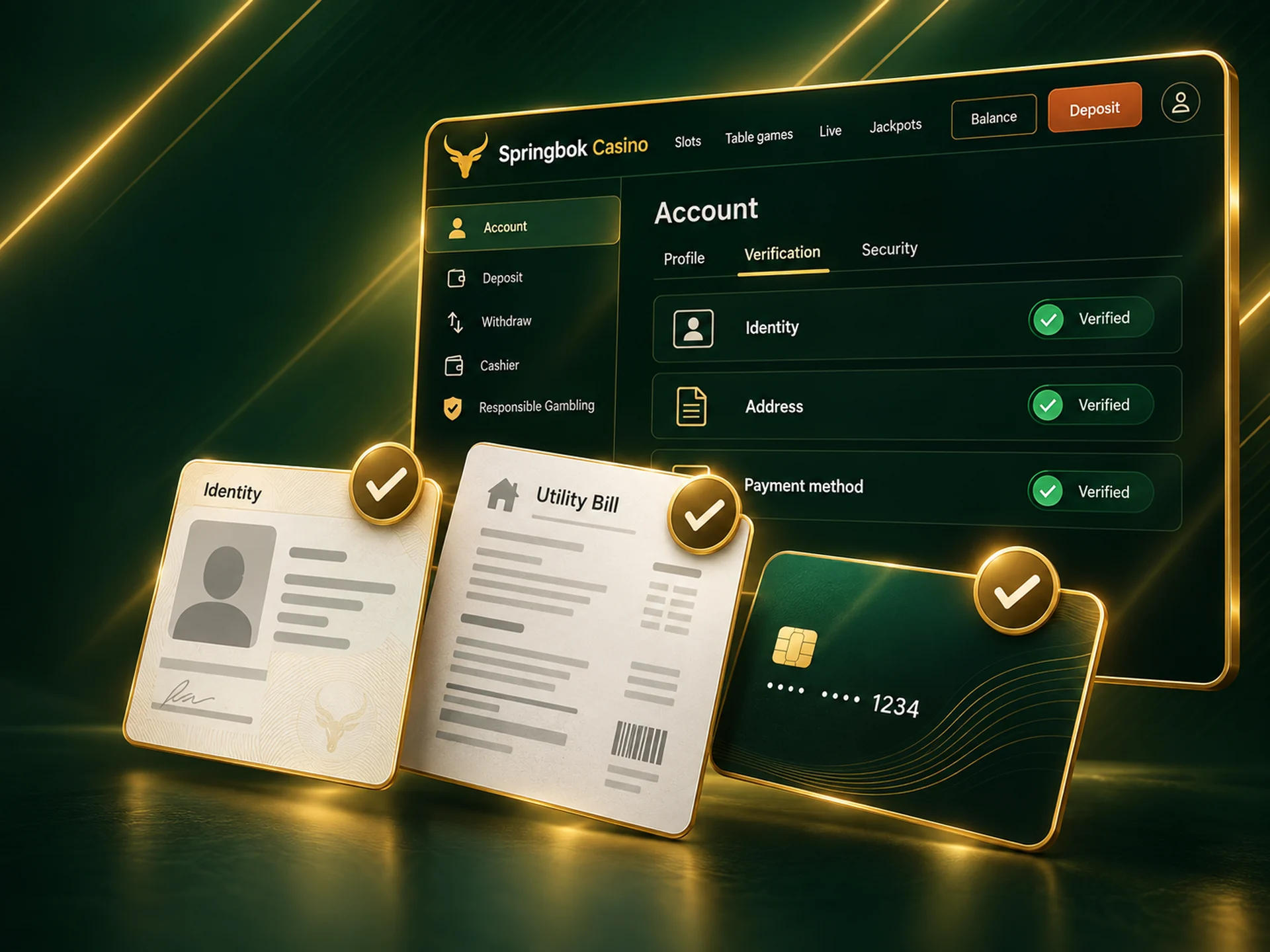
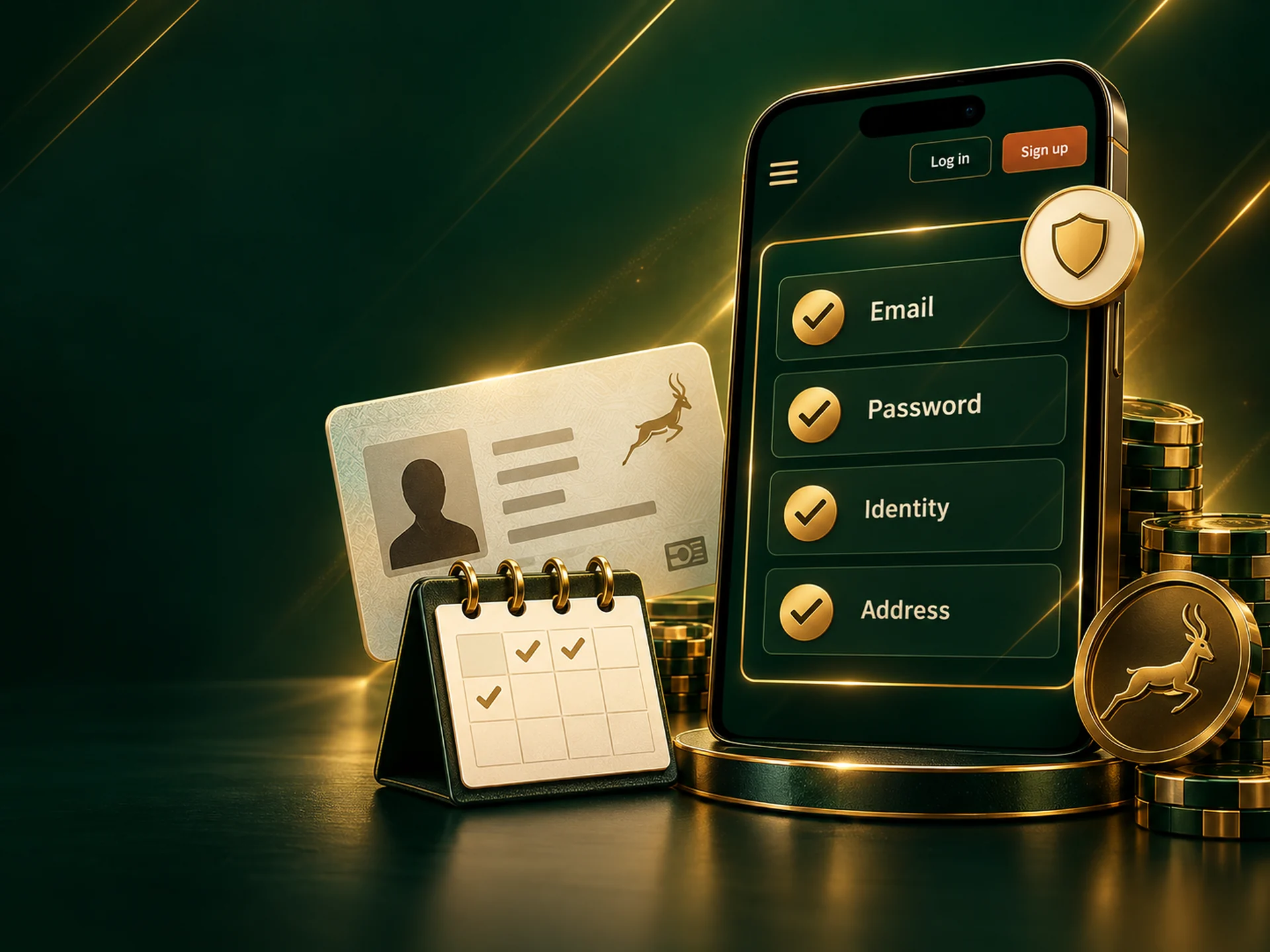
Before your first withdrawal we confirm that the account belongs to you and that you are over 18. You upload the documents from your account, and a phone photo is fine.
- Proof of identity: your South African ID card or ID book, or a passport.
- Proof of address: a utility bill or bank statement dated within the last three months, showing your name and address.
- Proof of payment method: for a card, a photo showing your name and the last four digits with the other numbers covered. For an e-wallet or bank account, a statement header with your name.
Checks are usually finished within 24 to 72 hours of receiving clear documents. Most delays come from photos with a cut-off corner, glare, or a name that does not match the account exactly. Photograph the whole document flat, in good light.
Sign Up via the App
The form on a phone is the same as on a computer, so you can register wherever it suits you.
- Open the Springbok Casino site in Chrome or Safari, or tap the home-screen app if you have added it.
- Tap Sign up.
- Enter your email and a password, then carry on with the steps above.
Adding the site to your home screen first saves you typing the address each time. It takes under a minute and needs no download.
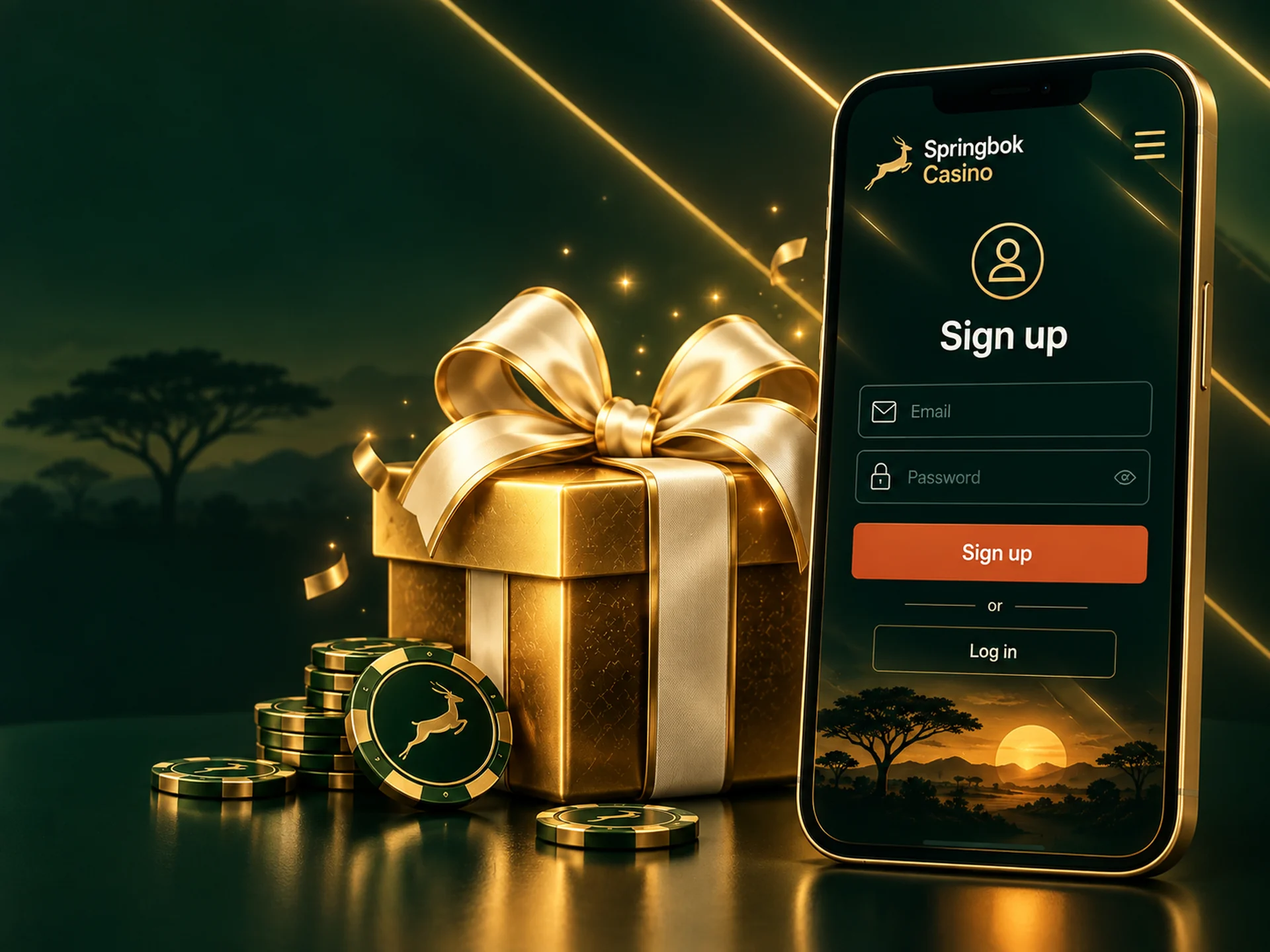
Springbok Casino Sign Up Welcome Bonus
A new account qualifies for the welcome package: up to R11,500 over your first three deposits. The first deposit is matched 100% up to R1,500 with code SPRINGBOK100, and the second and third are each matched 50% up to R5,000 with code SPRINGBOK50.
Two things are easy to miss. The code goes into the cashier before you pay, because a deposit made without it cannot be matched later. And the bonus has to be wagered 35 times within 21 days before it can be withdrawn. If you only plan a small first deposit, compare it with the 300% coupon, and look at the no-deposit coupon as well.

Requirements for Creating a Springbok Casino Account
You can register if all of these apply:
- you are 18 or older;
- you live in South Africa, or in one of the other countries listed in the sign-up form;
- the name, date of birth and contact details are your own and match your ID;
- you do not already have a Springbok Casino account (one account per person);
- you have not excluded yourself from gambling with us.
Accounts in a different name, or opened for someone else, fail at the first withdrawal, and any bonus on them goes with it.
Account Management After Registration
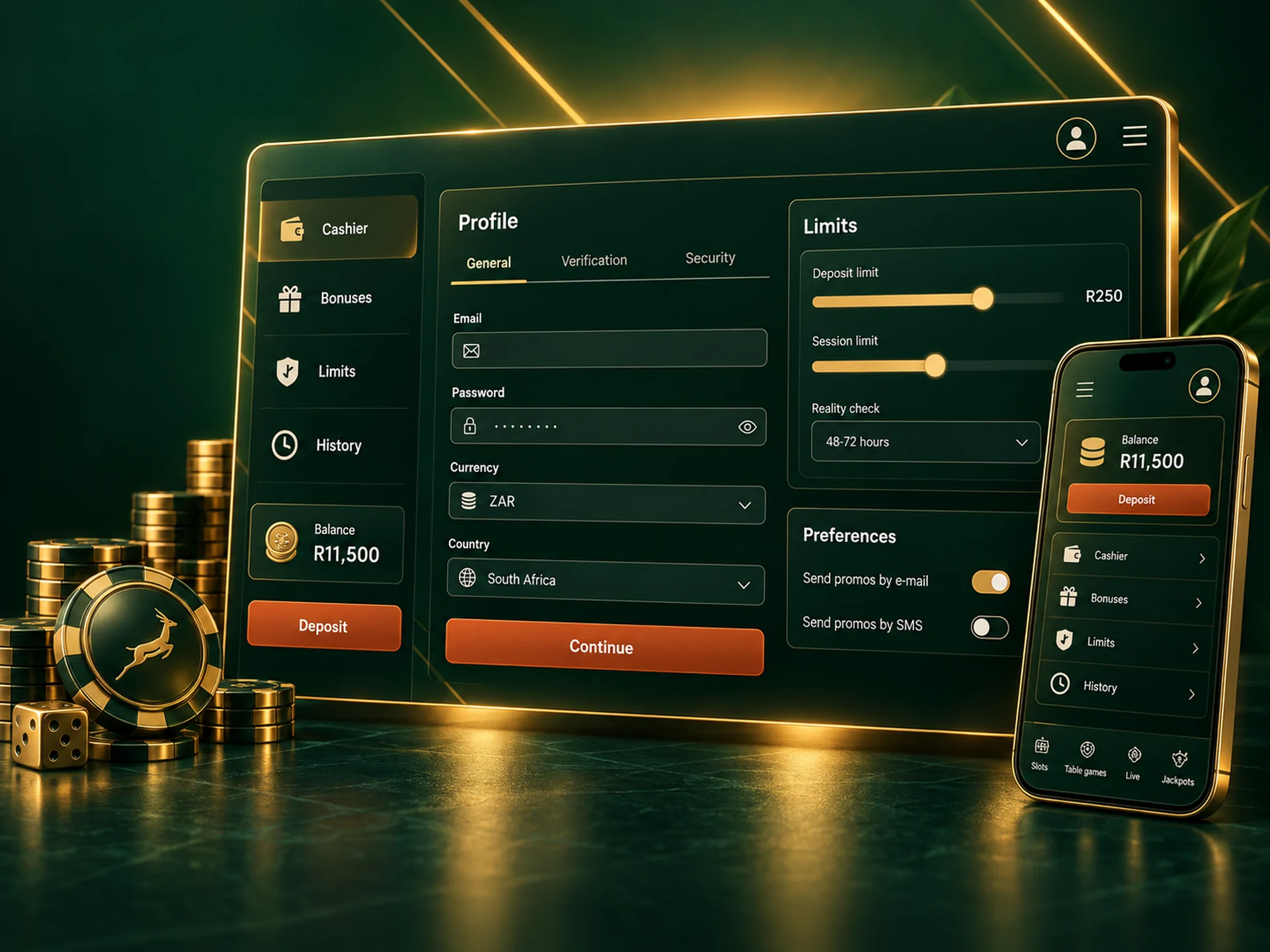
Your account menu is where you look after the account once it is open:
- Profile: contact details and password. Your name and date of birth are locked once verified, so ask Springbok Casino support if they were entered wrongly.
- Cashier: deposits, withdrawals and your saved payment methods.
- Bonuses: active offers and how much wagering is left on each.
- History: every deposit, withdrawal and bonus, with dates and amounts.
- Limits: deposit limits and time-outs, which are worth setting before your first session and not during it.
- Email preferences: switch bonus mail on or off.
What Problems Can Occur During Registration?
- "This email is already registered." You, or someone using your address, opened an account before. Use Forgotten your password? on the login screen rather than making a second account.
- The password is rejected. It needs at least eight characters, including at least one letter and one digit.
- Date of birth not accepted. You must be 18 or older on the day you register.
- A mistake in your name or date of birth. Contact support before you verify. These fields have to match your ID, and a mismatch stops your first payout.
- No confirmation email. Check spam and promotions folders, wait a few minutes, then ask support to resend it.
- The page freezes or reloads. Refresh, try another browser, or switch between Wi-Fi and mobile data.
If none of this helps, write to support from the chat window with the email address you tried to register with.